40+
Lessons
Short written lessons with stills and the exact code. Read one, build one thing, move on.
Code-Drawn Reels is a $29 course on making stick-figure Instagram reels with Claude Code and Python.
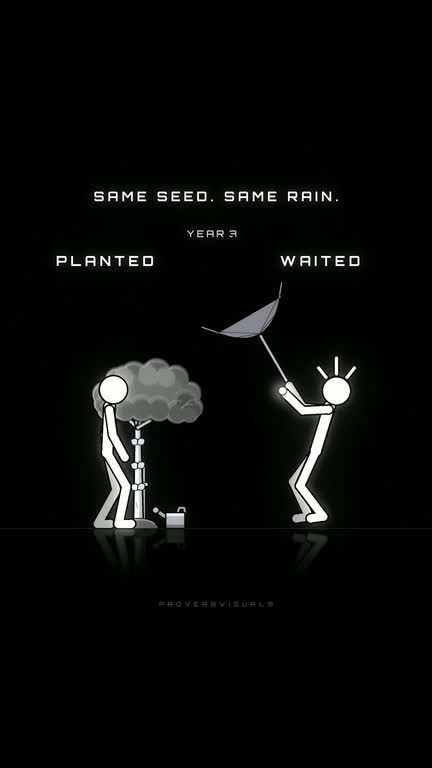
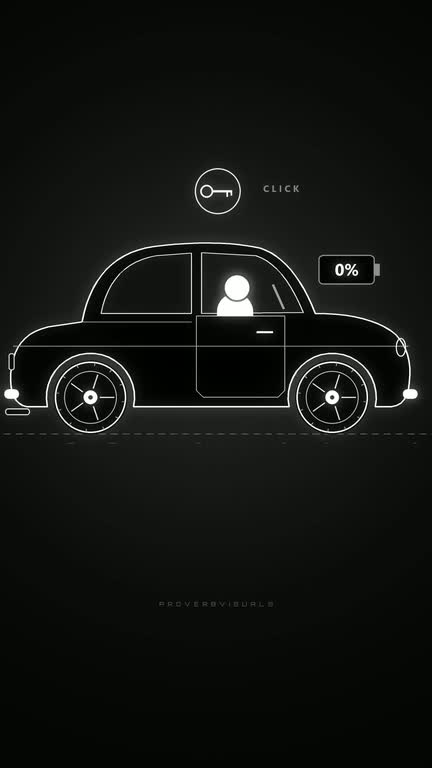
Five reels from our page, every frame drawn by the engine you get.
Go from an empty folder to a finished reel you would post, with the same engine and templates behind every clip on this page.
WORDS BUILT THIS WALL.
ONE WORD BRINGS IT DOWN.
G = 1320                    # floor line
LINES = [("WORDS BUILT THIS WALL.", 0.3, 506),
         ("ONE WORD BRINGS IT DOWN.", 6.6, 548)]
WORDS = ["YOU", "ALWAYS", "NEVER", "YOUR FAULT",
         "WHATEVER", "LISTEN!", "NO.", "ENOUGH", "FINE."]
T_DIE = 4.65                # the fire starts to go out
T_HUG = 10.90

def heat(t):
    return (0.72 + 0.5 * esc(t)) * alive(t)

def bloomk(t):
    return sm((t - (T_HUG - 0.3)) / 0.75)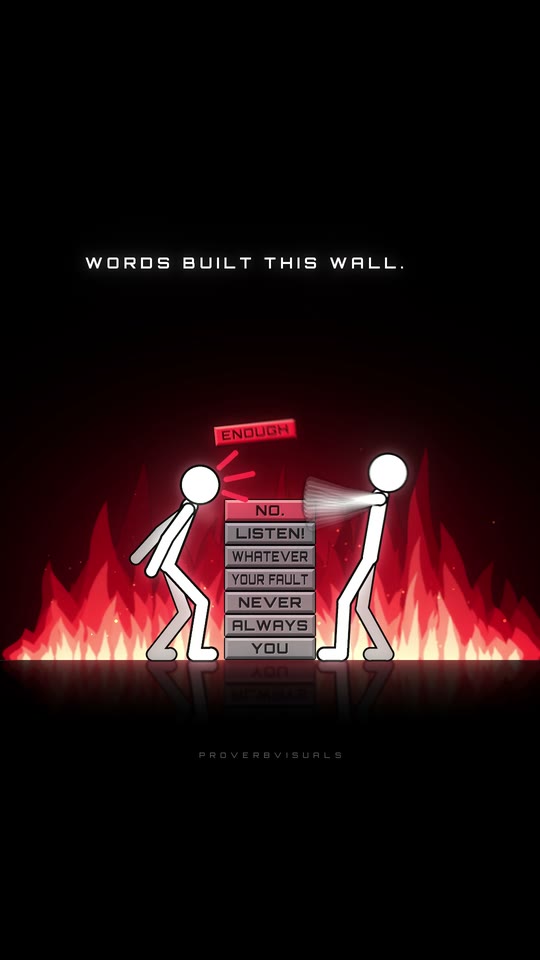
One real reel in three stages. You write the brief, Claude writes the code, the engine draws every frame.
A zip with the lessons, the engine and reels that already render. Unzip it, open START-HERE.html, and start with lesson one.
40+
Short written lessons with stills and the exact code. Read one, build one thing, move on.
pv.py
The drawing engine behind every reel on this page. Poses and skeletons, layers, motion blur, typed text, stills, video and sound mastering.
skeleton(pose)walk_pose(g, x0, y)Layer.capsule(pts, w)blurred(draw, t)compose(bg, dyn, t)text_layer(t, lines)render_video(…)master(video, wav)
3
Complete reels to copy and change. Each one renders as shipped.
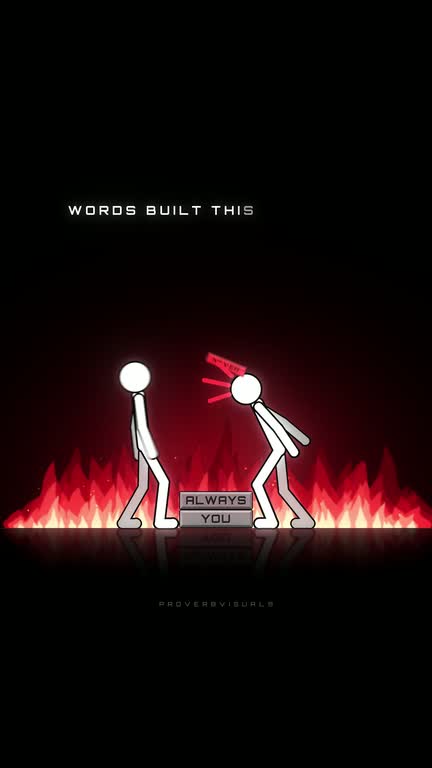
“Frame 0 is already moving: the left figure mid-shout, ALWAYS in the air. Show me stills at 0, 2 and 4 seconds.”The kind of prompt you will find inside
The prompts for writing a brief, asking for stills and fixing a pose, so Claude builds what you meant.
2
Build a silent proverb reel and a narrated explainer with us, from the first brief to the file you post.
When the engine or the lessons improve, your download does too. Pay once, no subscription.
Reels from our own page. Each one is Python code: no drawing app, no stock footage, no editing timeline.
Set up once, learn the look and the engine, then build two complete reels with us, start to finish.
See every lessonWhy pure black, white figures and one red accent work, and why frame 0 is already in motion.
Claude Code, Python and ffmpeg set up, a project map Claude reads first, and how to keep usage low.
Study a reference for format, make contact sheets, write beats with exact times and two typed lines.
Poses, layers and motion blur in pv.py. Check stills first, then render twice at most.
The reference figure, anticipation and hold, a walk with planted feet, sitting, and a skeletal rig.
Shaded props that land with weight, layered flame beds, reflections and bloom.
One reel, start to finish, from the brief to the export you post.
Write the script, generate an AI voice, get word timings, and cut scenes on cue words.
At most eight real samples, master to −22 LUFS, then add the song in Instagram's picker.
Hooks, captions, trial reels, and a comment-keyword DM funnel.
The trait-contest format, the horror-story format, and the prompt library.
You want a look a template app can't give you, and you'd rather direct than draw.
You need a steady run of reels in one recognisable style, without your face or voice on camera.
You write code all day and want a creative outlet that ends in something you can show people.
You need short explainers with clean motion, made from a script, without a studio or a designer.
Not for you if you want a one-click generator. You direct every scene; Claude and the engine do the drawing.
One price
29 US dollars
One-time payment. No subscription.
Get the course — $29Instant download after checkout. Requires a computer (Windows, Mac or Linux) and a paid Claude plan. Optional: an ElevenLabs account for narrated reels.
pv.py, with every lesson's codeSomething else? Email hello@proverbvisuals.com
You don't need to draw at all. You don't need to write code from scratch either: you describe the scene, Claude Code writes the Python, and the lessons teach you to read what it wrote, check stills and ask for precise fixes.
If you can edit a text file and run a command in a terminal, you can follow along.
A computer running Windows, macOS or Linux, and a paid Claude plan for Claude Code. Everything else is free: Python, Pillow, numpy and ffmpeg. Module 2 walks through the install.
Narrated reels also need an ElevenLabs account for the voice. Silent reels don't.
Straight after checkout you get a zip download, on the order confirmation page and in your email. Unzip it and open START-HERE.html in your browser.
Yes. The engine is plain Python and runs the same on macOS, Windows and Linux. Where a step differs, such as installing ffmpeg, the lesson shows each system.
We can't promise that, and we won't. The course teaches you to make reels and to post them well. Views, followers and any income depend on your ideas, how often you post, and a lot that nobody controls.
Yes, within 14 days of purchase if you haven't downloaded the files. After that, all sales are final. The full policy is in the terms.
Yes. Reels you make with the engine are yours to post, and to sell. Make your own scenes and your own lines; don't copy another creator's reels shot for shot.
The licence is for one person. Please don't share or resell the course files. If a friend wants it, send them this page.
Describe it. Claude writes it. The engine draws it.